

More Blogs Of Business Technology Tips
Click the images for more details.
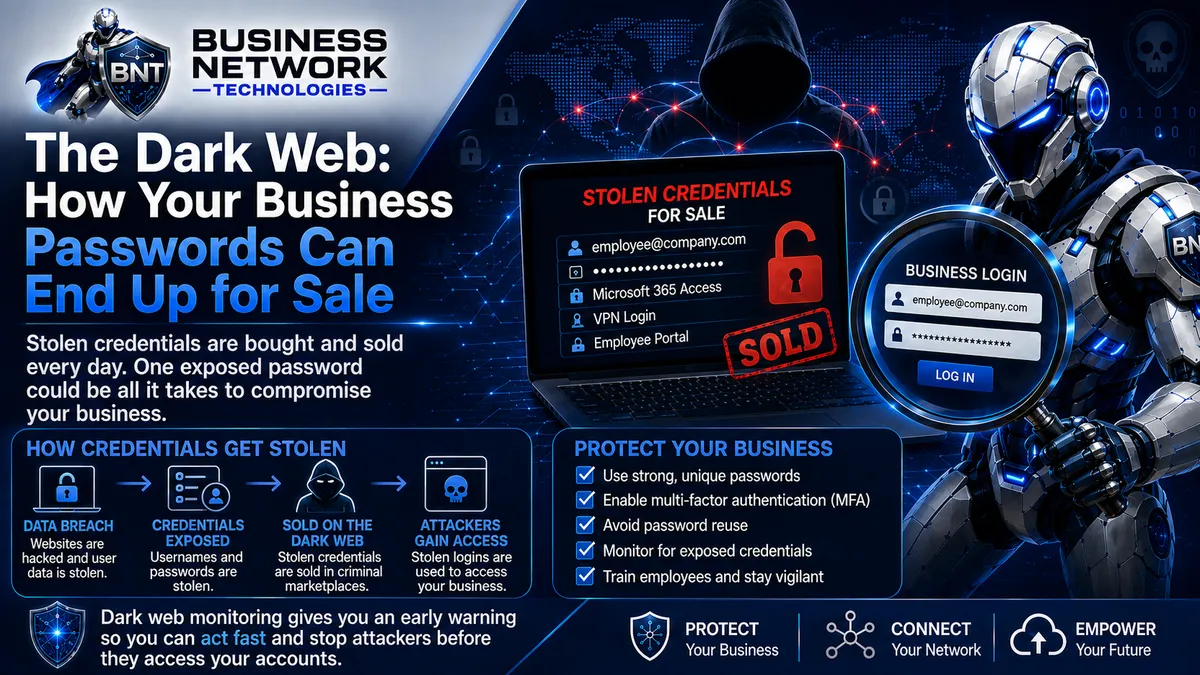
The Dark Web: How Your Business Passwords Can End Up for Sale
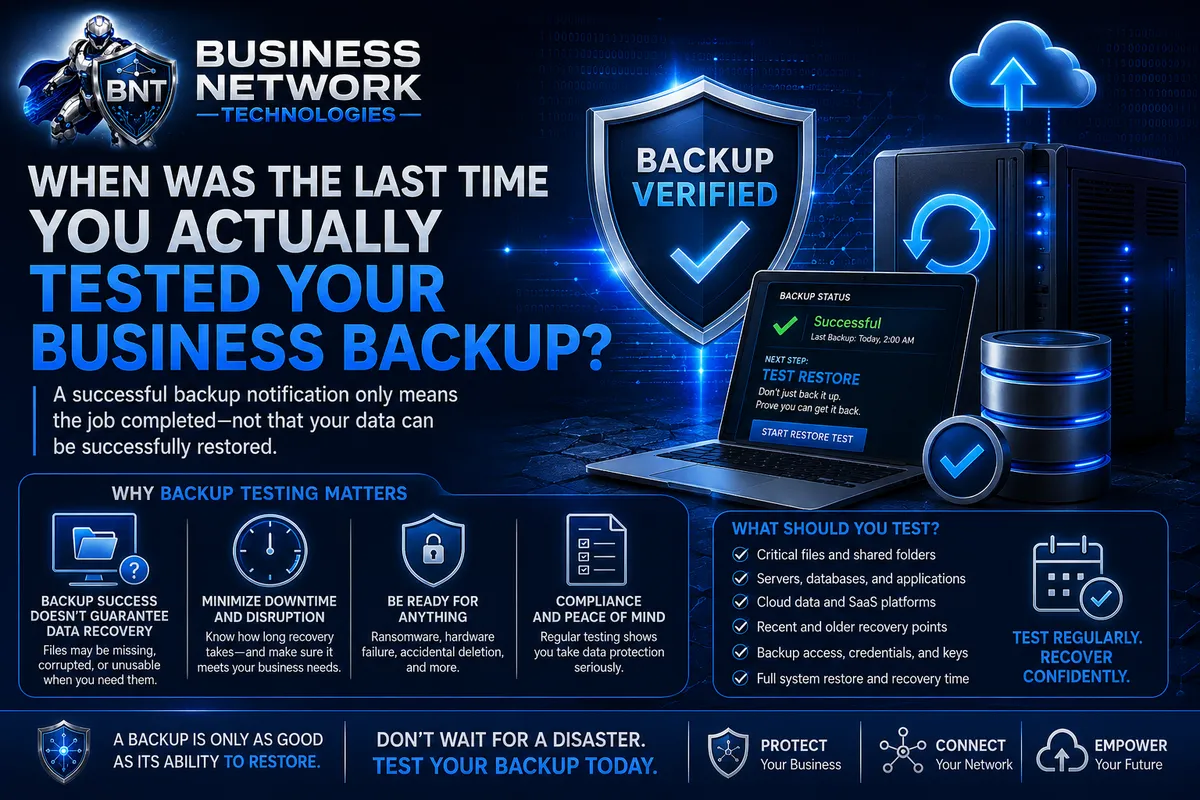
When Was the Last Time You Actually Tested Your Business Backup
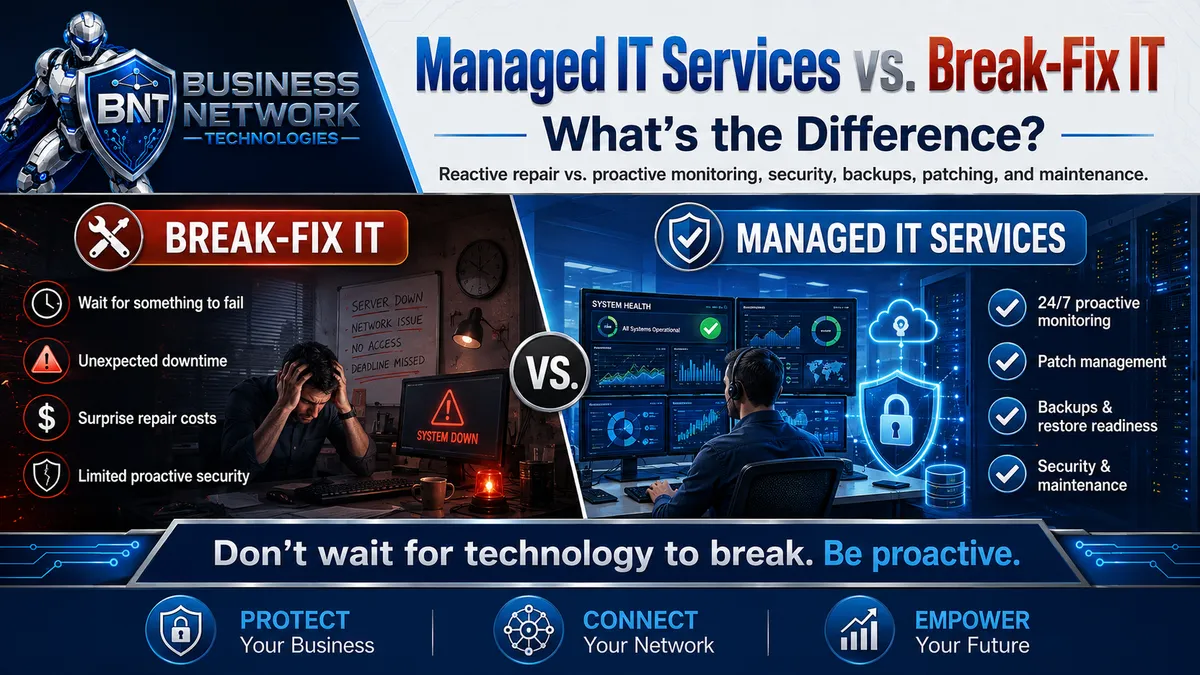
Managed IT Services vs. Break-Fix IT: What’s the Difference?
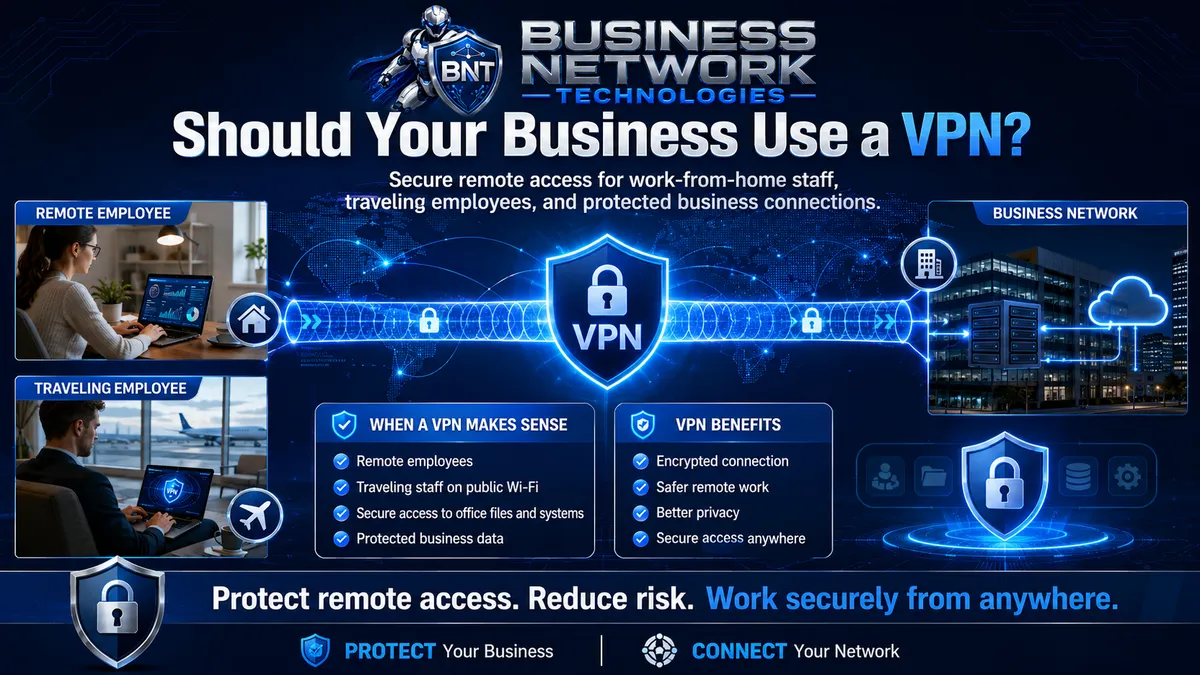
Should Your Business Use a VPN?
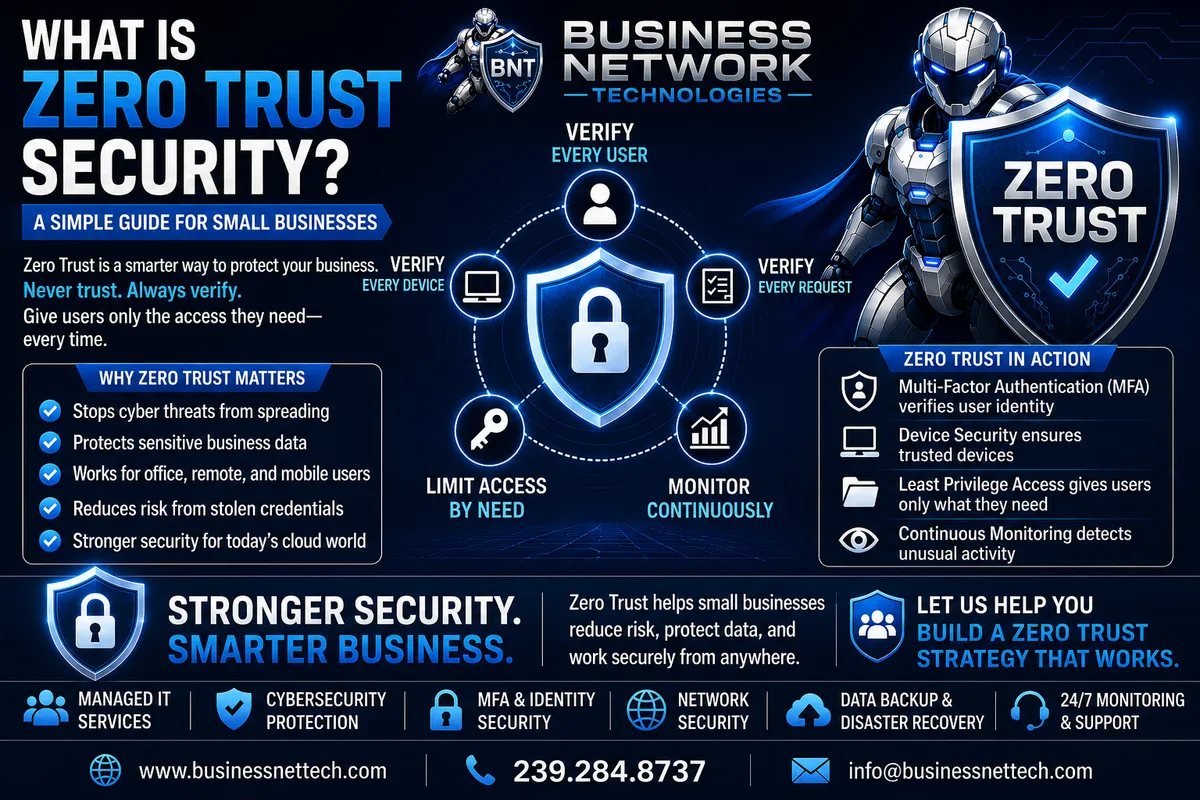
What Is Zero Trust Security? A Simple Guide for Small Businesses
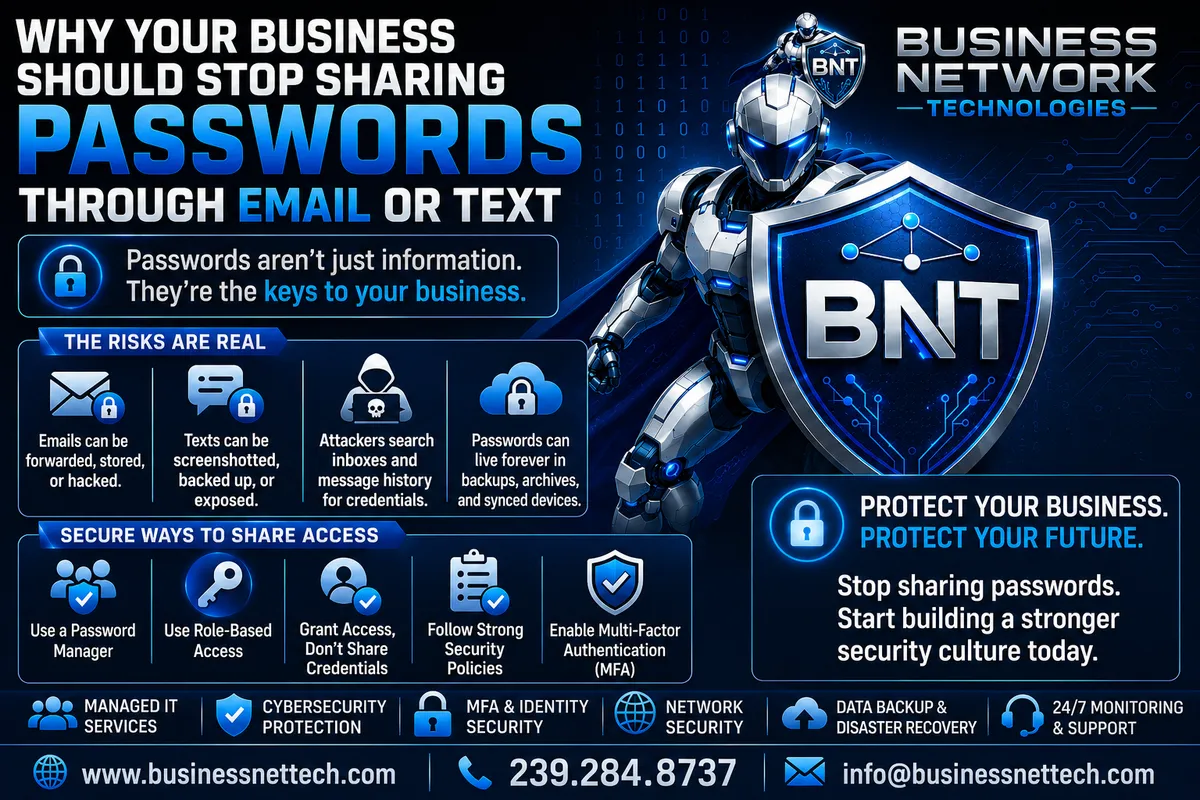
Why Your Business Should Stop Sharing Passwords Through Email or Text
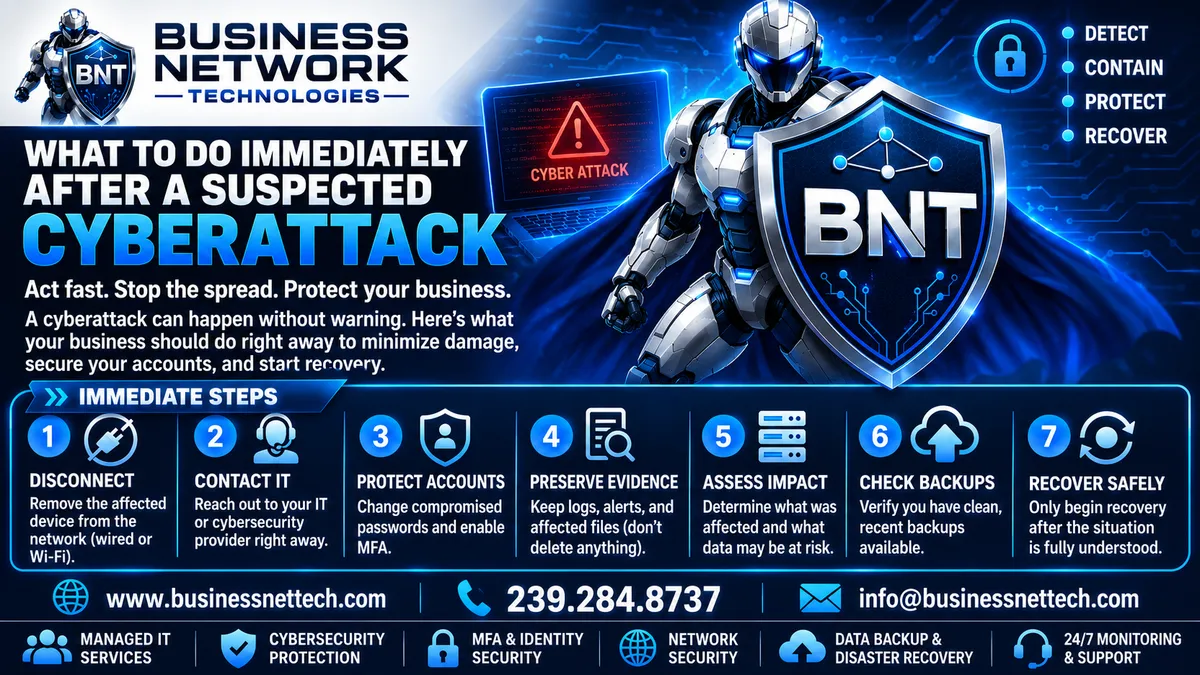
What Should Your Business Do Immediately After a Suspected Cyberattack?
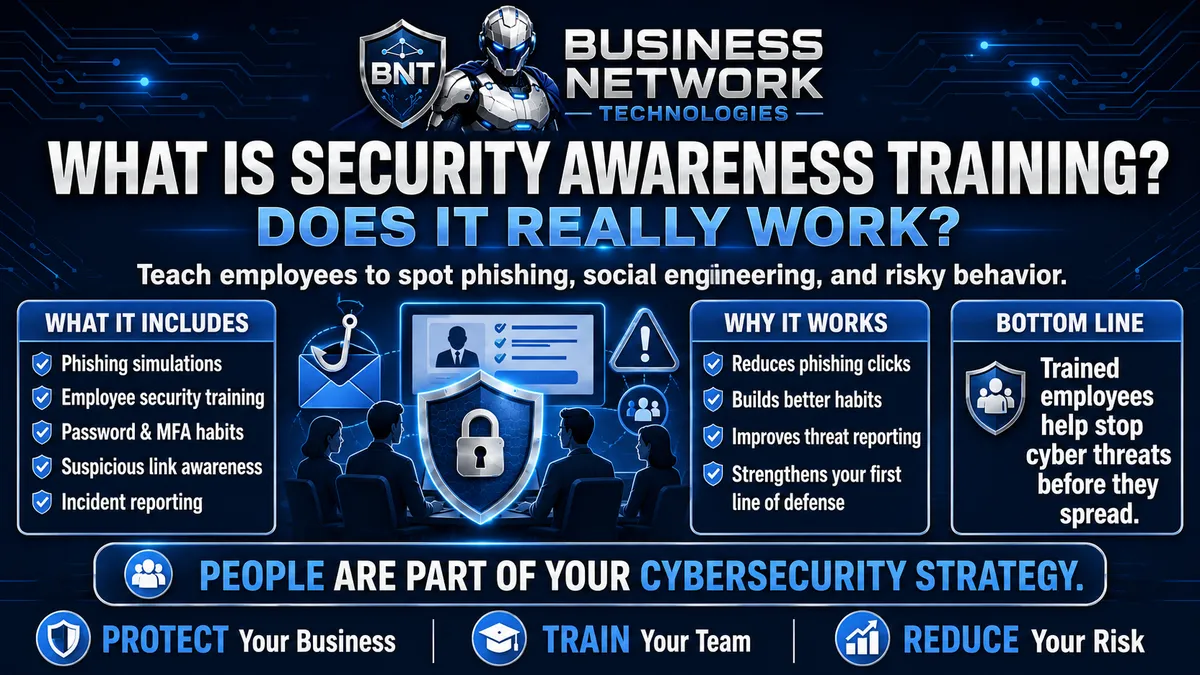
What Is Security Awareness Training and Does It Really Work?
Sign Up for Our Blog
Business Technology Tips
Sign Up To Get Practical IT Tips Delivered To Your Inbox.
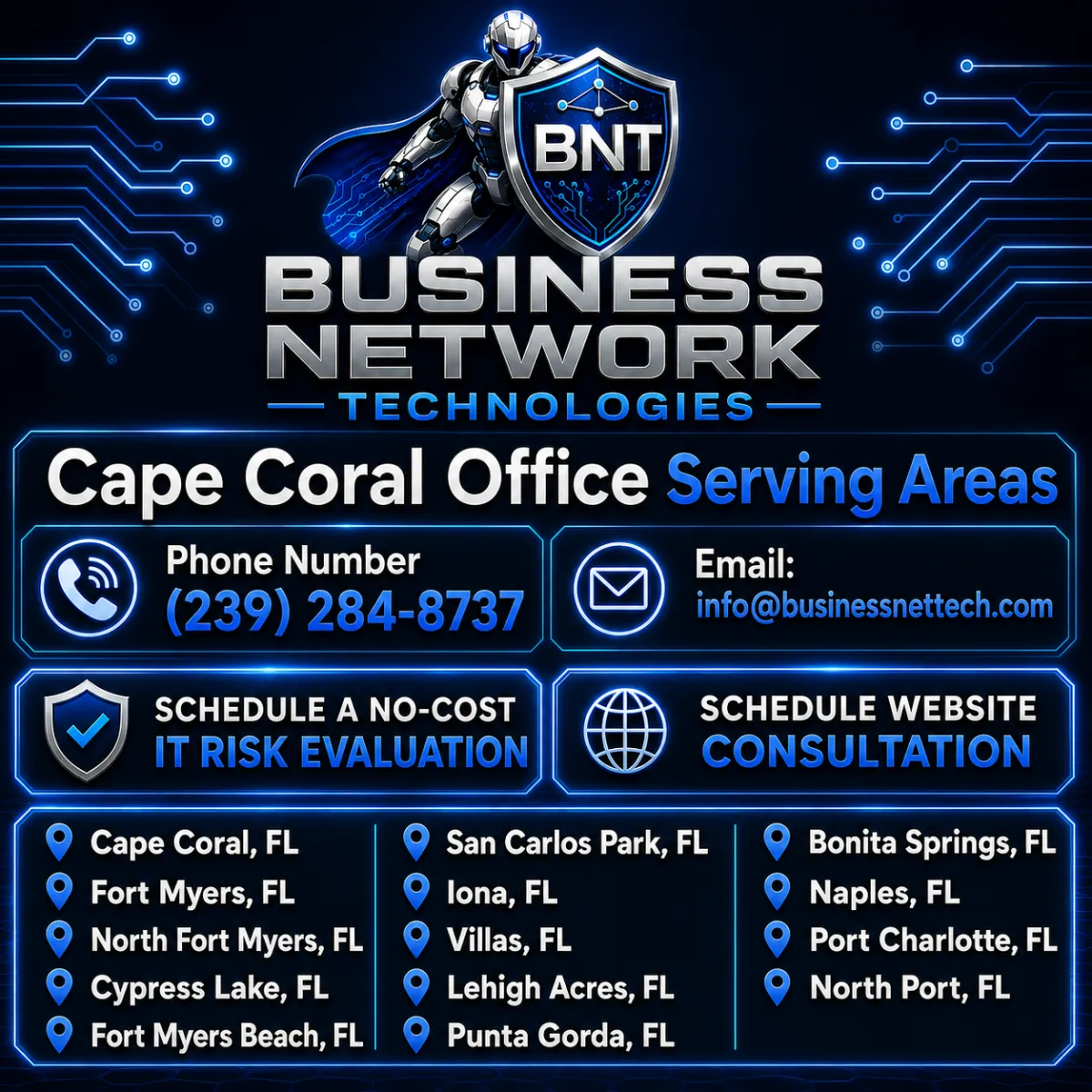
Business Network Technologies (BNT) provides professional managed IT services, cybersecurity solutions, computer support, network management, Microsoft 365 services, cloud solutions, data backup, business technology consulting, and website services throughout Cape Coral and Southwest Florida. From our Cape Coral, Florida service area, BNT supports businesses in Cape Coral, Fort Myers, North Fort Myers, Cypress Lake, Fort Myers Beach, San Carlos Park, Iona, Villas, Lehigh Acres, Punta Gorda, Bonita Springs, Naples, Port Charlotte, and North Port, Florida. Businesses searching for a dependable Cape Coral IT company, Fort Myers IT support provider, Southwest Florida managed service provider (MSP), cybersecurity company, network support company, computer services provider, or business technology partner can rely on Business Network Technologies for proactive and professional IT solutions. Contact BNT at (239) 284-8737 or [email protected] to schedule a no-cost IT risk evaluation or website consultation and discover how Business Network Technologies can help protect your systems, improve network reliability, strengthen cybersecurity, reduce technology risks, and support the growth of your Florida business.
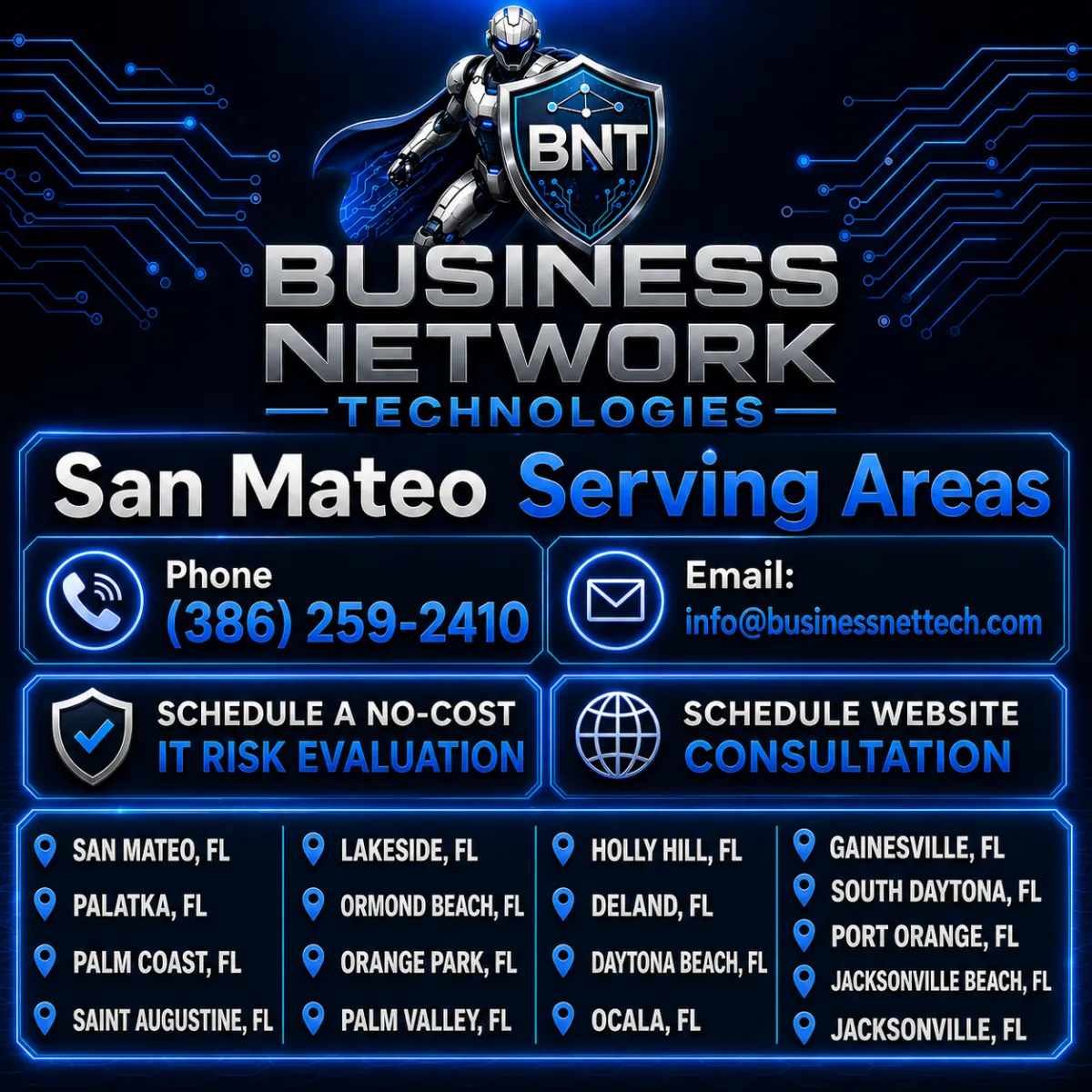
Business Network Technologies (BNT) provides professional managed IT services, cybersecurity solutions, network support, computer services, Microsoft 365 support, cloud solutions, data protection, and business technology consulting throughout the San Mateo, Florida service area. BNT proudly serves businesses in San Mateo, Palatka, Palm Coast, Saint Augustine, Lakeside, Ormond Beach, Orange Park, Palm Valley, Holly Hill, DeLand, Daytona Beach, Ocala, Gainesville, South Daytona, Port Orange, Jacksonville Beach, and Jacksonville, Florida. Businesses looking for a reliable Florida IT company, local managed service provider (MSP), cybersecurity provider, network support company, or technology consultant can contact Business Network Technologies at (386) 259-2410 or [email protected]. Schedule a no-cost IT risk evaluation to identify cybersecurity, network, backup, and technology vulnerabilities, or schedule a website consultation to learn how BNT can help improve your business technology, security, online presence, and long-term growth.
Contact
Hours
Mon - Fri: 8AM - 5PM