

Recent Post
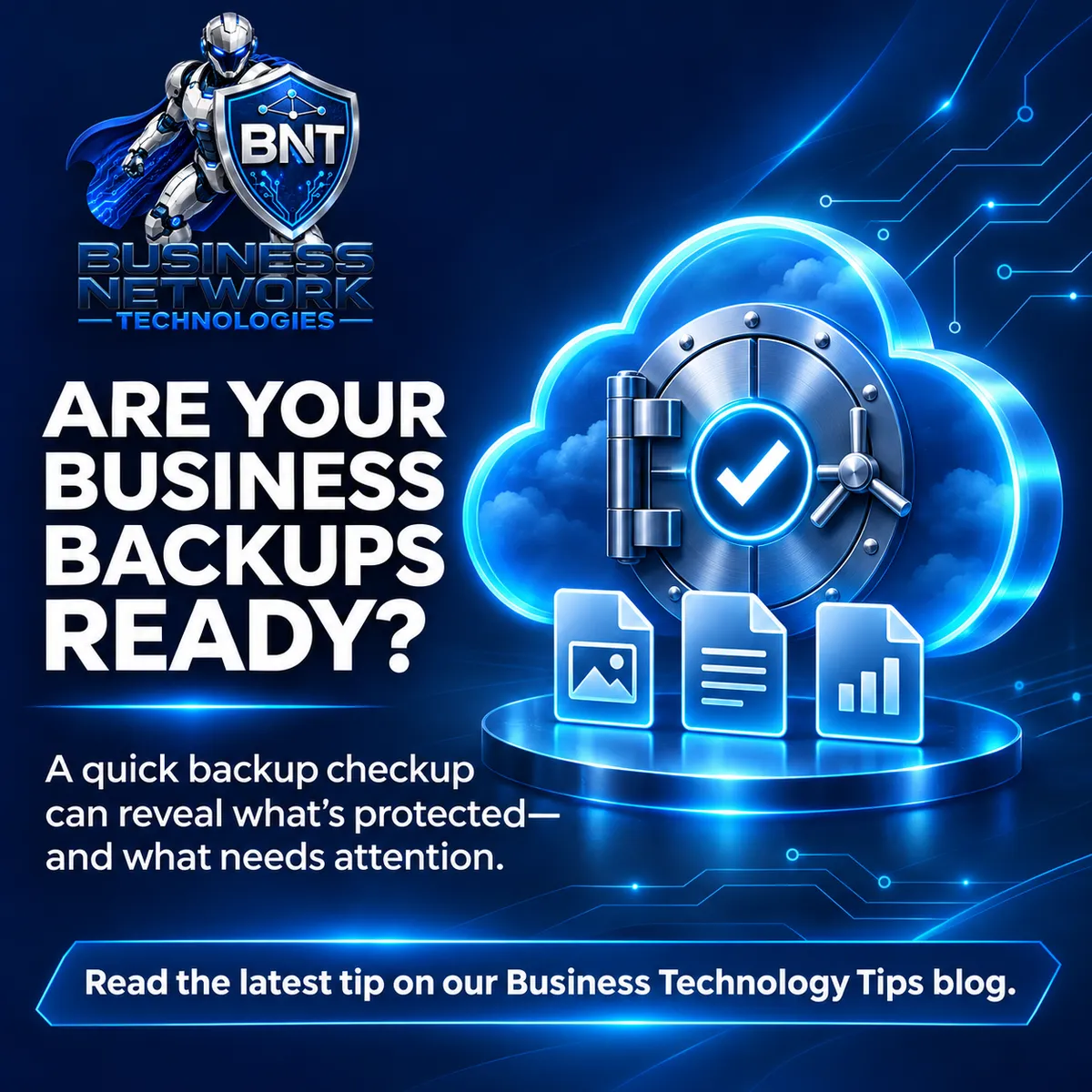
A Simple Backup Checkup for Small Businesses
A backup is only useful if you can restore the right information when you need it. A short, regular check can help you spot gaps before a computer failure, mistaken deletion, or security incident turns into a business disruption.
A successful backup job is only the first check
A green status or completion email tells you that a backup ran. It does not always confirm that every important folder was included, that the data is recent enough, or that a usable copy can be restored. That is why a backup plan should include both monitoring and occasional restore tests.
Know what needs protection
Make a short list of the information and systems your business would need to get back to work. That may include shared folders, accounting or line-of-business data, individual computers, a server, email, and files stored in Microsoft 365 or Google Workspace. The exact list depends on how your office works.
Cloud syncing can help keep files available across devices, but syncing by itself may also copy a deletion or unwanted change. Confirm that the services you rely on have a backup and recovery plan that covers the data you need.
Keep a protected copy outside everyday access
A common starting point is the 3-2-1 approach: keep at least three copies of important data, use two types of storage, and keep one copy separate from the systems used every day. For a small business, that separated copy might be an offline or immutable backup, depending on the tools available.
Use individual accounts, multifactor authentication, and limited administrative access for backup systems. If the same compromised account can delete both the working data and every backup, recovery may be much harder.
Choose recovery points that fit the work
Ask how often the backup runs and how long recovery points are retained. A business that changes files all day may need more frequent backups than one that updates a small set of records weekly. Think about two practical questions: how much recent work could we afford to recreate, and how far back might we need to recover a deleted or damaged file?
Your answers help set a realistic backup schedule and retention period. The goal is to match the plan to the cost of losing work, rather than choosing settings without considering how the business operates.
Test a restore in a safe location
At least a few times a year, restore a small sample to a separate folder or test system. Confirm that the files open and that their dates make sense. For important business applications, follow the software vendor’s guidance or your IT provider’s recovery process; restoring a data file is not always the same as returning an application to service.
Keep a brief record of what you tested, when you tested it, and what needs attention. If the restore fails or takes longer than expected, you have a specific issue to address instead of discovering it during an emergency.
Make the recovery steps easy to find
Write down who is responsible for starting a recovery, where the backup status is reviewed, which systems should come back first, and how to reach the people who manage the backups. Store this information securely, where it remains available if the primary computer or email account is unavailable.
A useful next step: Ask your team or IT provider to show what is being backed up and walk through a sample restore. If you would like help reviewing your backup coverage, Business Network Technologies can help you identify the questions to ask and the gaps to address.
Top Past Post
Click the images for more details.

“Why Your Business Website Matters: Design, Working Links, and SEO That Support Growth.”

Email Security Tips Every Business Should Know
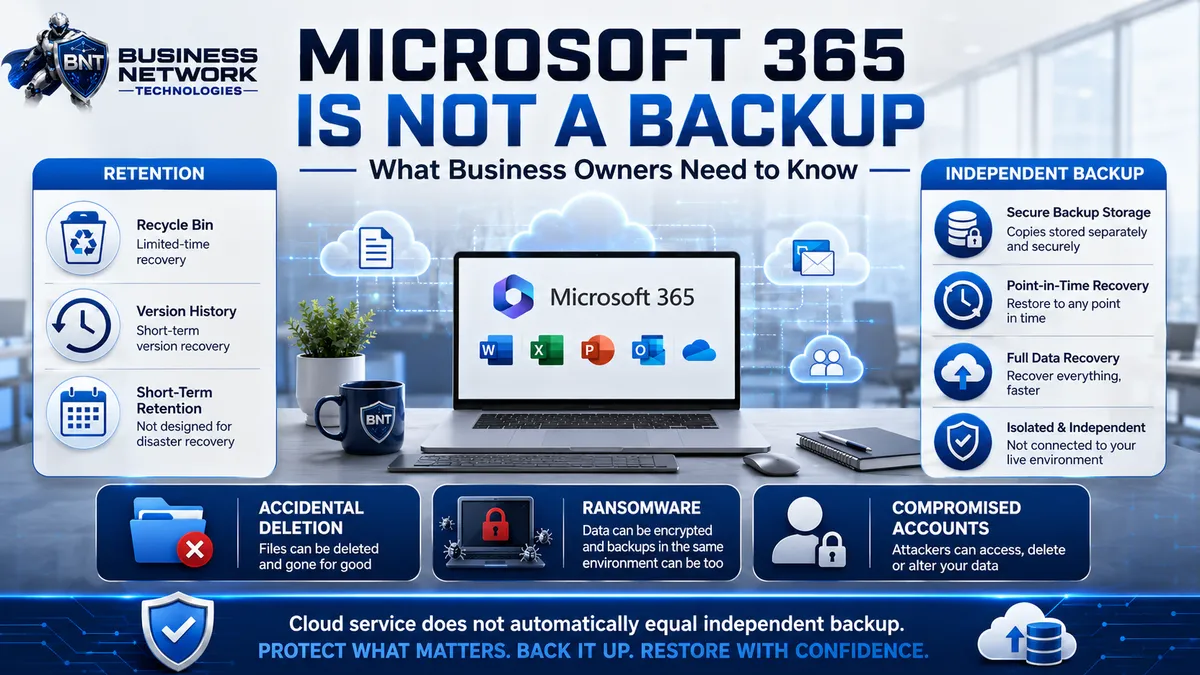
Microsoft 365 Is Not a Backup: What Business Owners Need to Know
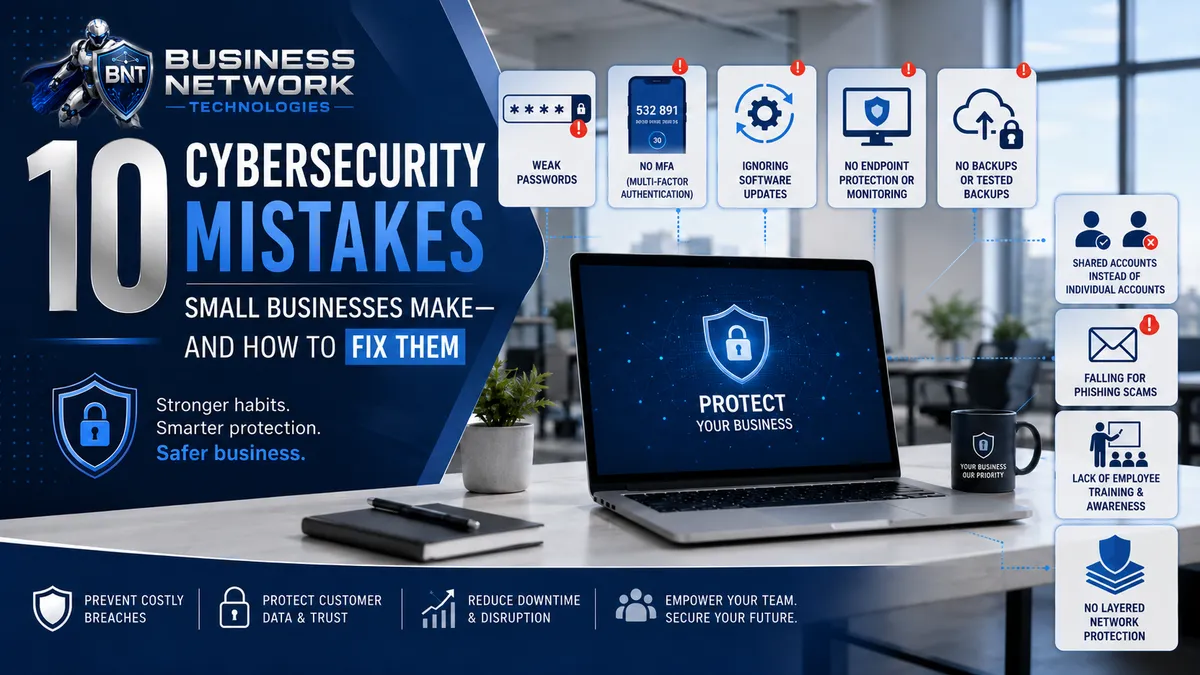
10 Cybersecurity Mistakes Small Businesses Make—and How to Fix Them
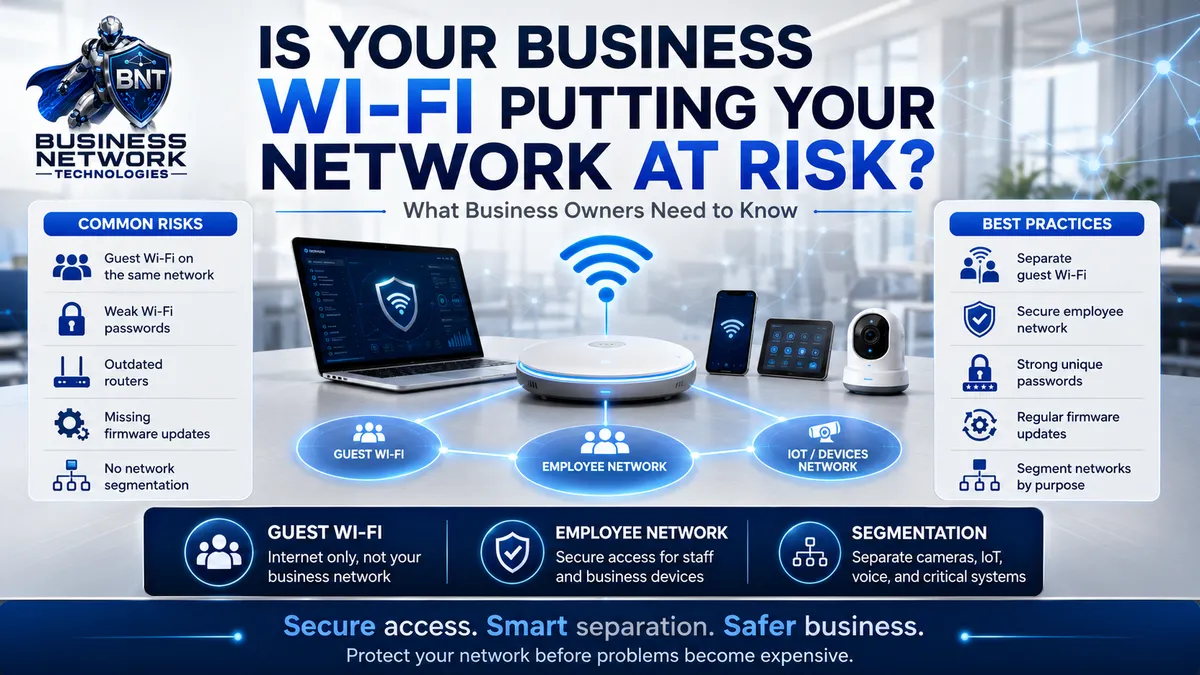
Is Your Business Wi-Fi Putting Your Network at Risk?
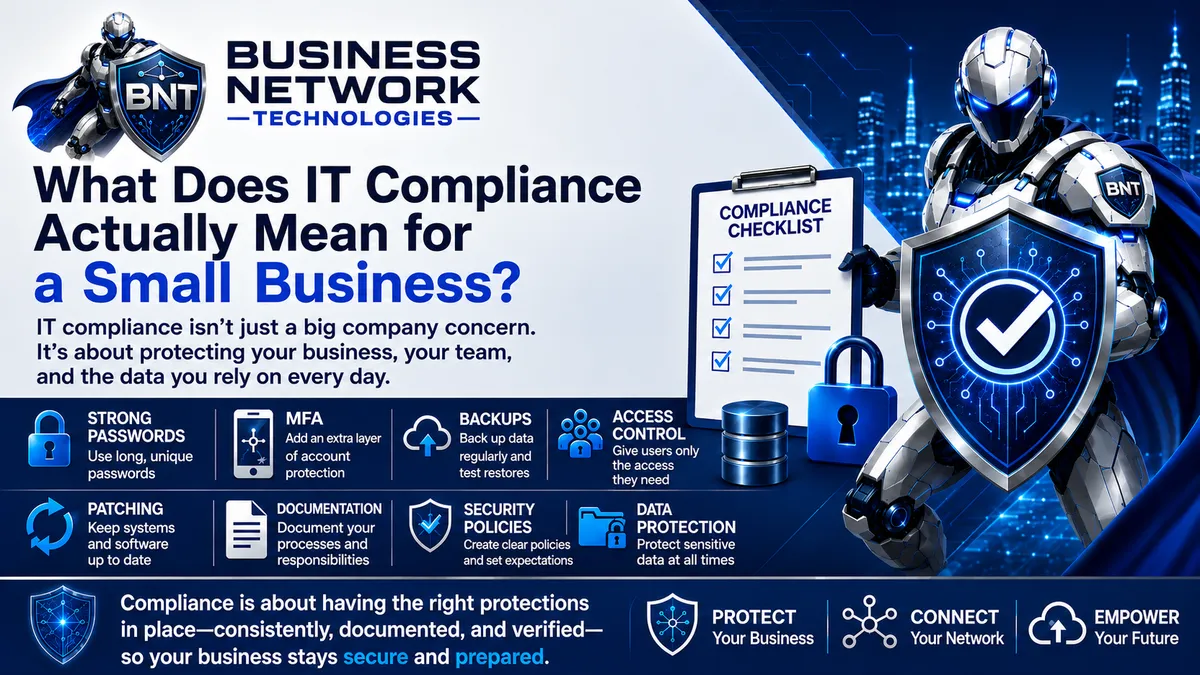
What Does IT Compliance Actually Mean for a Small Business?
View More Blogs of Business Technology Tips
Sign Up For Our Blog
Business Technology Tips
Business Network Technologies (BNT) delivers expert managed IT services, cybersecurity solutions, cloud services, network management, IT optimization, data protection, and business technology support for small and growing businesses throughout Florida. Our Business Technology Tips provide practical guidance to help organizations strengthen cybersecurity best practices, improve network reliability, increase employee productivity, optimize IT systems, protect business data, and take advantage of secure cloud solutions. As a trusted Florida managed service provider (MSP), IT support company, cybersecurity provider, network technology company, and business technology consultant, BNT helps businesses reduce downtime, improve efficiency, protect against cyber threats, and build a stronger technology infrastructure. Follow Business Network Technologies Business Technology Tips for helpful information about cybersecurity, Microsoft 365, cloud computing, data backup, network security, computer support, IT management, business continuity, technology planning, and technology solutions for small businesses.
Contact
Hours
Mon - Fri: 8AM - 5PM