Get practical IT tips delivered to your inbox.
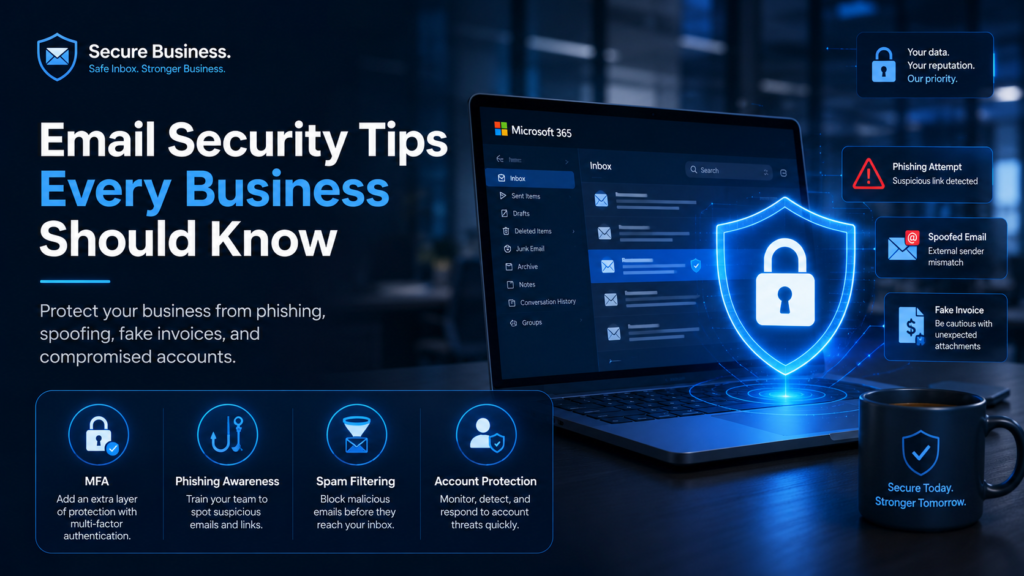
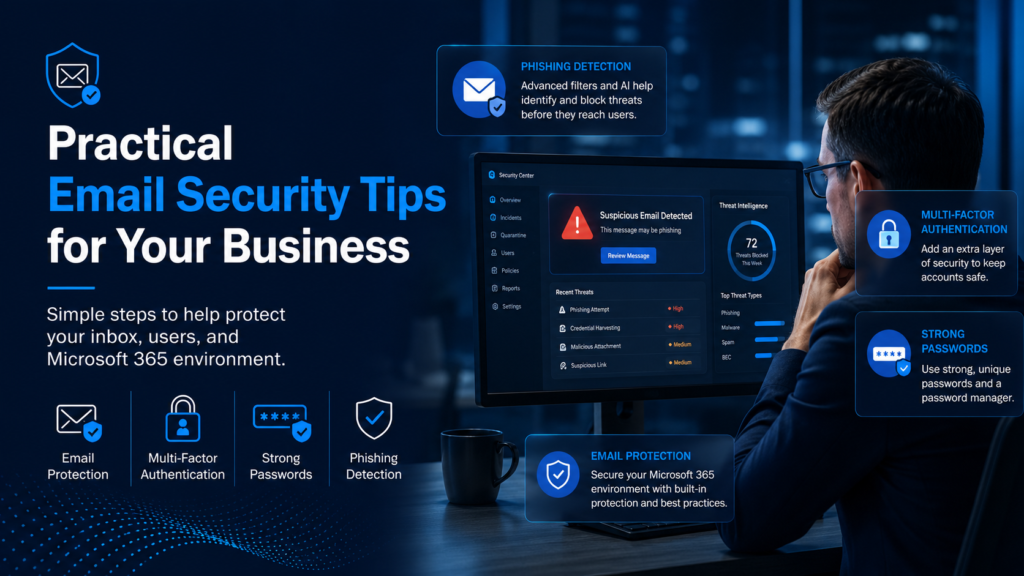
Email Security Tips Every Business Should Know
Protecting Your Business Starts With Protecting Your Inbox.
Email is one of the most important tools businesses use every day. It is also one of the most common ways cybercriminals try to get into a business.
Phishing emails, fake invoices, spoofed messages, malicious links, password theft, and compromised Microsoft 365 accounts can all create serious problems. One wrong click can lead to stolen credentials, unauthorized access, ransomware, financial loss, or downtime.
The good news is that many email security risks can be reduced with the right protections, user awareness, and good habits.
Here are several practical email security tips every business should follow.
1. Use Multi-Factor Authentication
Multi-factor authentication, also called MFA, is one of the most important protections for business email.
MFA adds an extra step when logging in, usually through an app, text code, phone prompt, or security key. This helps protect the account even if the password is stolen.
Without MFA, a stolen password may be enough for an attacker to access email, files, contacts, and sensitive business information.
Every business should strongly consider MFA for:
• Microsoft 365 accounts
• Email accounts
• Admin accounts
• Remote access
• Financial and accounting platforms
• Cloud-based business applications
MFA is not perfect, but it is one of the simplest ways to make account compromise much harder.
2. Watch for Phishing Emails
Phishing emails are designed to trick users into clicking a link, opening an attachment, entering a password, or sending money.
Common phishing signs include:
• Urgent language
• Unexpected attachments
• Poor spelling or unusual wording
• Requests to verify your account
• Fake invoice or payment requests
• Messages asking for gift cards
• Links that do not match the sender
• Emails pretending to be Microsoft, banks, vendors, or executives
• Sender addresses that look slightly wrong
Before clicking, slow down and ask:
“Was I expecting this email?”
“Does the sender address look correct?”
“Is this asking me to do something unusual?”
“Should I verify this another way?”
When in doubt, do not click. Verify first.
3. Be Careful With Fake Invoices and Payment Changes
Fake invoice and payment redirection scams are very common against businesses.
Attackers may pretend to be a vendor, contractor, client, manager, or executive. The email may ask your staff to pay an invoice, update banking details, wire money, or send sensitive information.
Before making payment changes, businesses should verify the request through a trusted method, such as a known phone number already on file.
Do not rely only on email for financial changes.
A simple verification process can help prevent expensive mistakes.
4. Protect Against Email Spoofing
Email spoofing is when someone sends an email that appears to come from your business or a trusted domain.
This can be used to trick employees, clients, vendors, or customers.
Businesses should review and configure email authentication records such as:
• SPF
• DKIM
• DMARC
These records help receiving mail systems determine whether messages are truly authorized to come from your domain.
Proper email authentication can help reduce spoofing risk and improve trust in your business email.
5. Use Strong Passwords and Avoid Reuse
Weak or reused passwords are a major security risk.
If an employee uses the same password on multiple websites and one of those websites is breached, attackers may try that same password against the employee’s business email account.
Good password habits include:
• Use long, unique passwords
• Do not reuse business passwords on personal sites
• Use a trusted password manager
• Change passwords immediately if exposure is suspected
• Do not share passwords between employees
• Disable accounts that are no longer needed
A strong password policy, combined with MFA, greatly reduces account risk.
6. Train Employees to Recognize Threats
Technology tools help, but employees are still a major part of business security.
Security awareness training teaches users how to recognize phishing, suspicious links, fake invoices, credential theft attempts, and social engineering.
Training should cover:
• How to spot suspicious emails
• What to do before clicking a link
• How to report suspicious messages
• Why MFA matters
• How password reuse creates risk
• How payment scams work
• Why urgent requests should be verified
Employees do not need to become cybersecurity experts. They just need to know what warning signs to look for and when to ask for help.
7. Monitor Microsoft 365 for Suspicious Activity
Many businesses use Microsoft 365 every day, but they do not always monitor it closely enough.
Warning signs of a compromised account may include:
• Unusual login locations
• Impossible travel alerts
• Suspicious inbox rules
• Automatic forwarding to outside addresses
• Unexpected password changes
• Unusual file access
• Large amounts of sent email
• Login attempts from unfamiliar countries
Microsoft 365 is a strong platform, but it still needs to be secured, monitored, and managed properly.
8. Do Not Assume Microsoft 365 Is a Backup
Microsoft 365 is reliable, but it should not be confused with a dedicated backup.
Emails, files, OneDrive data, SharePoint data, and Teams information can still be affected by accidental deletion, user error, ransomware, malicious activity, or retention limitations.
Businesses should consider dedicated Microsoft 365 backup protection to help recover important data when needed.
9. Have a Clear Process for Suspicious Emails
Every business should have a simple process for suspicious emails.
Employees should know:
• Who to contact
• Whether to forward the message
• Whether to report it through a security tool
• What to do if they clicked a link
• What to do if they entered a password
• What to do if they opened an attachment
The faster a suspicious email is reported, the faster action can be taken.
If a user clicks something suspicious, they should report it immediately. Waiting can make the problem worse.
10. Layer Your Email Security
Email security should not depend on one tool or one setting.
A stronger approach includes multiple layers, such as:
• Multi-factor authentication
• Email filtering
• Advanced phishing protection
• Microsoft 365 security monitoring
• Security awareness training
• Dark web monitoring
• SPF, DKIM, and DMARC
• Strong password policies
• Microsoft 365 backup
• Endpoint protection
• Clear reporting procedures
The goal is to reduce the chance of a successful attack and limit the damage if something gets through.
Final Thought
Email is one of the easiest ways for attackers to target a business. That is why email security deserves regular attention.
A business does not need to wait for a compromised account, fake invoice, ransomware incident, or cyber insurance issue before taking email security seriously.
Start with the basics: enable MFA, train users, protect Microsoft 365, review email authentication, monitor suspicious activity, and make sure important data is backed up.
Small improvements can make a big difference.
Need Help Reviewing Your Email Security?
Business Network Technologies helps local businesses strengthen email security, Microsoft 365 protection, phishing defense, backup readiness, and cybersecurity awareness.
Contact BNT to request a no-cost IT risk evaluation and find out where your business may be exposed before it becomes expensive.
Request a No-Cost IT Risk Evaluation
Request a No-Cost IT Risk Evaluation
New videos are coming soon!
Each week, Business Network Technologies will be posting a new video on YouTube with practical business technology tips, cybersecurity advice, Microsoft 365 guidance, backup information, and helpful IT topics for local businesses.
Our goal is to keep things simple, useful, and easy to understand.
Subscribe to our YouTube channel and check back each week for new Business Technology Tips.
Explore the episodes
YouTube